
Get the app!
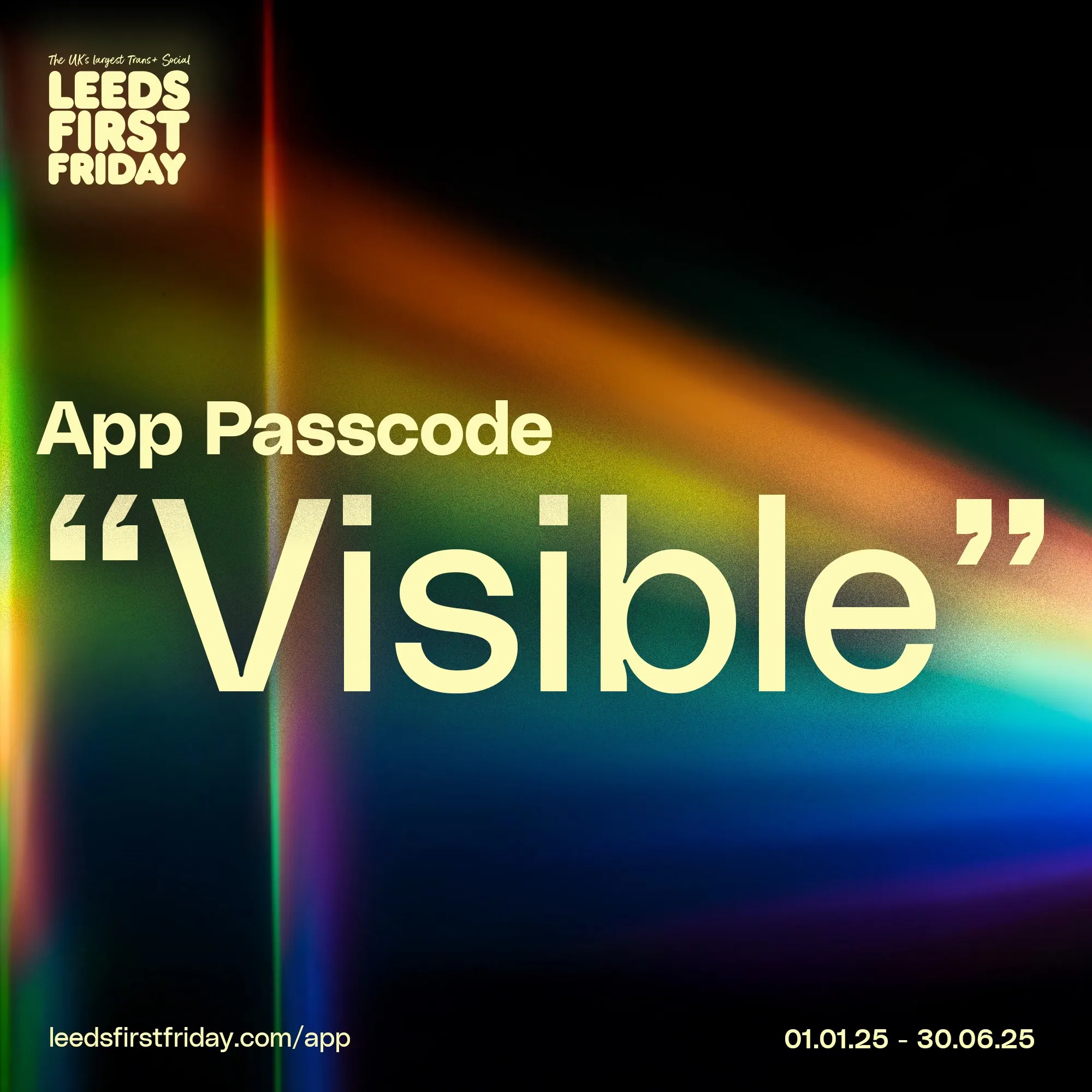
The Leeds First Friday app is a mine of useful information, from when the next events are on, to venue offers, to really useful facts about venues & hotels.
There's no download as such, but point your web browser here
Create a Home Screen Icon / Shortcut for the LFF App on your Smartphone
If you frequently use the Leeds First Friday app, you can create a shortcut icon for it on the home screen of your smartphone:
iOS / iPhone:
- Launch the Safari web browser and navigate to the LFF App.
- Tap the Bookmark icon at the bottom of the screen (it resembles a box with an upward-pointing arrow).
- Tap Add to Home Screen.
- Accept the suggested name for the shortcut, or enter one you like better, then tap Add to save the new shortcut icon to the home screen.
Android:
- Launch the Chrome app (web browser).
- Open the LFF App.
- Tap the menu icon (3 dots in the upper right-hand corner) and tap Add to Home Screen.
- You will be able to enter a name for the shortcut, and then Chrome will add it to your home screen
- November 9, 2024 by admin (They/Them)